Practical project planning
Construction & home improvement calculators
Estimate material quantities and project costs with free planning tools that show the calculations, inputs, and assumptions behind every result—without requiring an account.
Built for early project decisions
- No signupStart calculating immediately.
- Visible assumptionsSee what drives every result.
- Regional defaultsUse familiar units, terminology, product defaults, and currency.
Choose a calculator
What are you planning?
Start with your project type. You can adjust every starting value inside the calculator.
Links below show United States pricing by default. Open your region: United StatesUnited KingdomCanadaAustraliaIndia
Deck Material Calculator
Estimate decking boards, joists, rim boards, and fasteners with metric or imperial inputs and an adjustable waste allowance.
Start calculatingDeck Post Concrete Calculator
Calculate concrete volume and bag counts for deck piers and footings using dimensions from your approved plan.
Start calculatingEpoxy Flooring Cost Calculator
Estimate an installed epoxy flooring budget as a transparent cost range, not a single guessed number.
Start calculatingFence Post Concrete Calculator
Work out how much concrete and how many bags your fence posts need, including post displacement and waste.
Start calculatingFrom plan to progress
See the project before you build it.
Good estimates connect the dimensions on the plan to the materials and work happening on site.
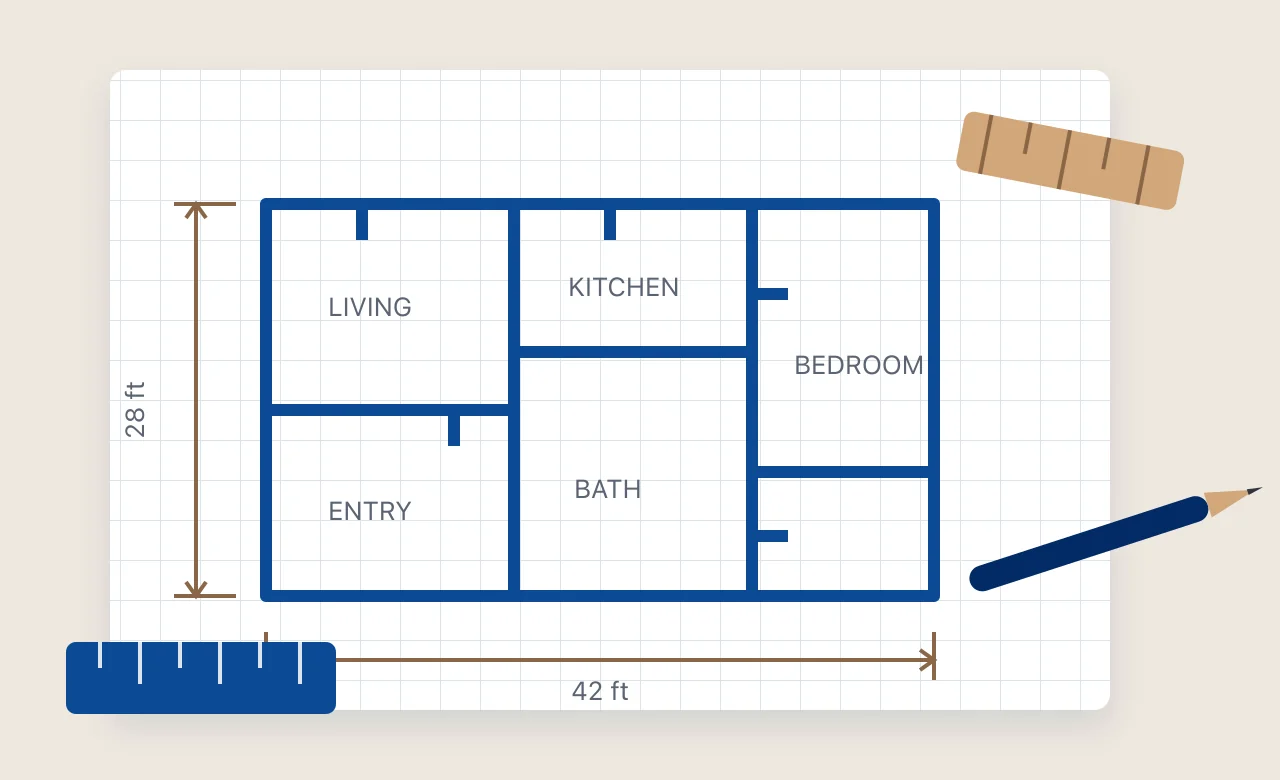
Turn measurements into a clear scope
Define dimensions, quantities, and assumptions before comparing materials or requesting a quote.
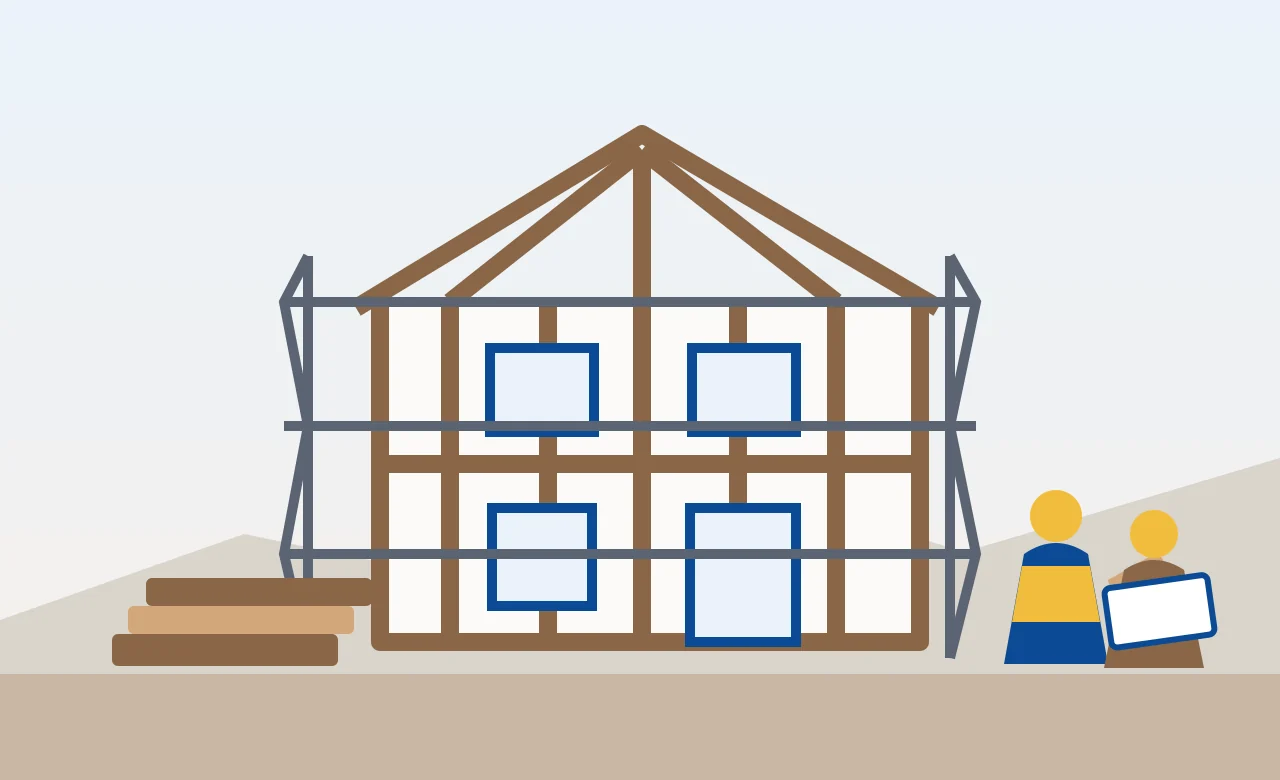
Keep the estimate connected to the work
Use the breakdown to check orders, discuss scope, and make better decisions as the project moves forward.
- 01 · Measure
Enter the real dimensions of your project — area, run length, or hole size.
- 02 · Calculate
Get a transparent range with the assumptions and cost drivers spelled out, not a single guessed number.
- 03 · Plan
Use the breakdown to compare options, check quantities, and decide what to ask a supplier or installer.
Choose your region
Each region uses its own currency, starting units, terminology, product examples, and supported cost data. Every editable input remains visible.
Imperial uses feet and inches, metric uses meters and centimeters, and mixed regions commonly use both depending on the material. Core geometry does not change just because the country changes; a regional rule or formula is used only when the calculator implements and explains it.
Blog
Background reading that goes with the calculators — the numbers, the formulas, and how to read a quote.
Why Buildmator
Planning guidance, not false precision.
Every result is a planning estimate, not a quote. Material and labor costs vary by supplier, local market, and project conditions, so Buildmator shows a range and makes its assumptions visible.
Regional versions can change units, terminology, editable product defaults, material and labor ranges, and the location detail supported by the underlying data. A country-specific rule is applied only when it is implemented, sourced, and explained in the calculator.
The calculator library is growing across building costs, concrete, flooring, decks, fencing, roofing, landscaping, and other practical construction and home improvement work. Each tool is released only when its calculation scope and useful inputs are clearly defined.
No account is required, and nothing about your project is saved unless you submit a form. Read more about Buildmatoror review the calculation methodology.